빠른 무료 VPN·프록시.
클릭 한 번으로 연결.
Browsec은 IP 주소를 숨기고 인터넷 트래픽을 암호화하며, 46개 이상 국가의 콘텐츠를 열어줍니다. 브라우저에서도 스마트폰에서도 회원가입 없이 무료로 시작할 수 있습니다.
 Browsec
브라우저, 데스크톱, 스마트폰까지 하나의 VPN으로.
VPN 확장 프로그램, 데스크톱 앱, 모바일 앱. 계정 하나로 어디서나 클릭 한 번에 연결됩니다.
Chrome, Firefox, Edge, Opera용 VPN 확장 프로그램.
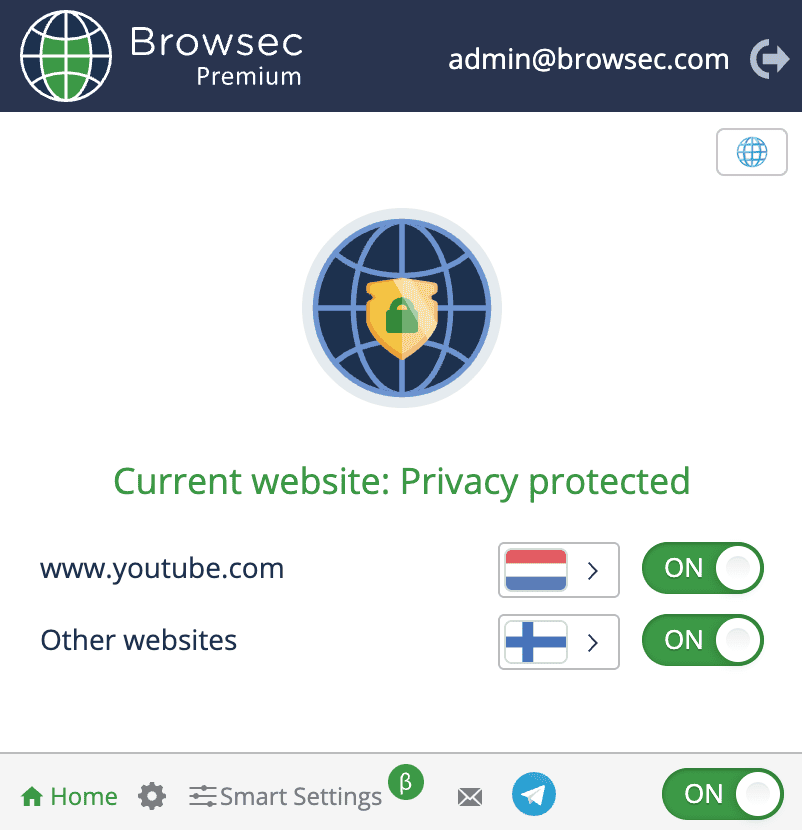
브라우저의 모든 트래픽을 암호화하는 가벼운 VPN·프록시 확장 프로그램, Browsec의 원조 제품입니다. 스마트 설정(Smart Settings)으로 사이트별 규칙을 지정할 수 있어, 은행 사이트는 직접 접속하고 나머지는 VPN을 거치게 할 수 있습니다.
- 클릭 한 번으로 차단된 사이트 접속
- 스마트 설정으로 사이트별 규칙 지정
- 무료 플랜, 회원가입 불필요
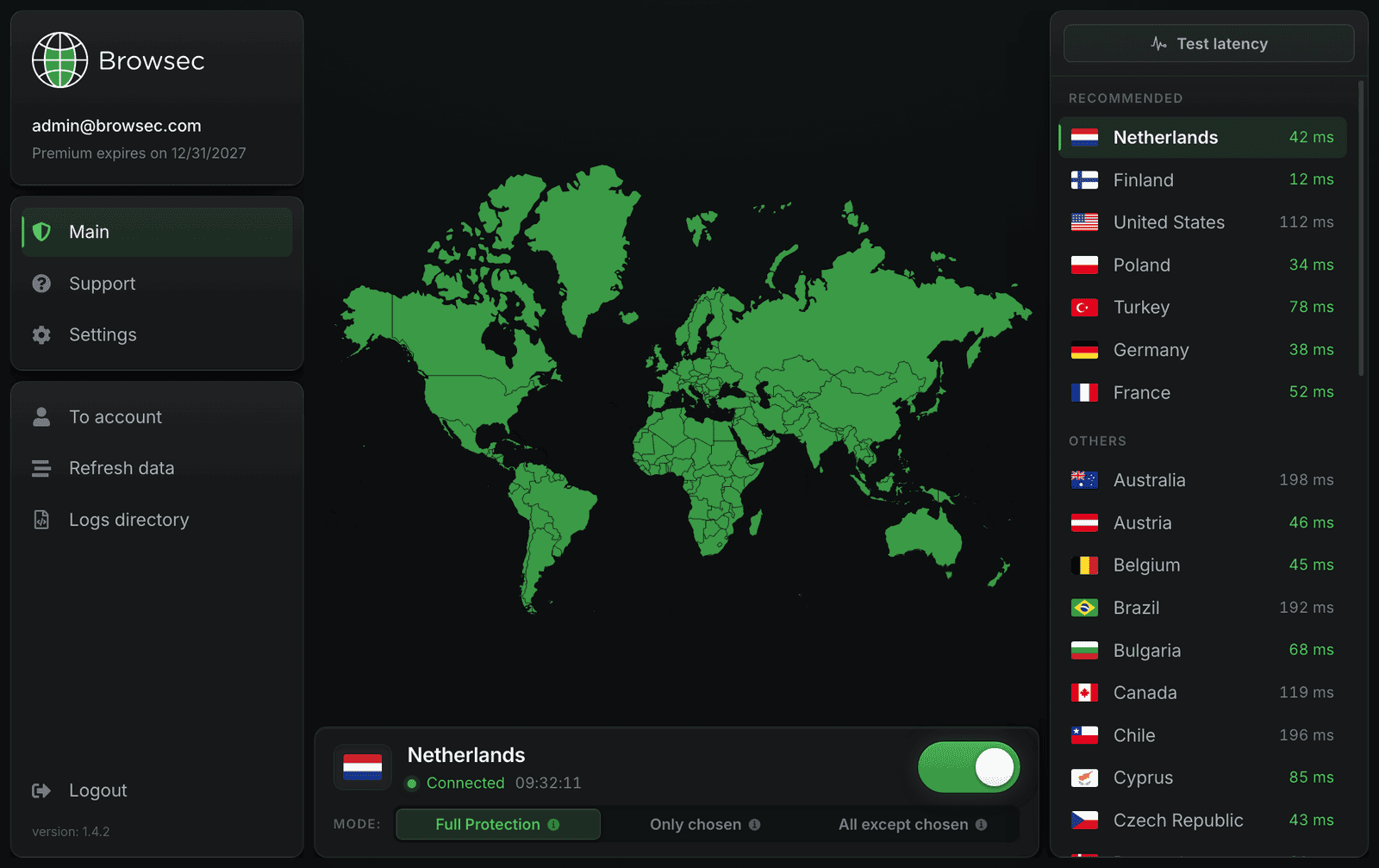
Windows, macOS, Linux용 VPN.
데스크톱 프로그램은 브라우저뿐 아니라 인터넷 연결 전체를 암호화합니다. 실시간 지연 시간 목록에서 가장 빠른 국가를 골라 스위치만 켜면 됩니다.
- 기기의 모든 앱을 보호
- 모든 위치의 실시간 핑 표시
- 전체·부분·앱별 터널링
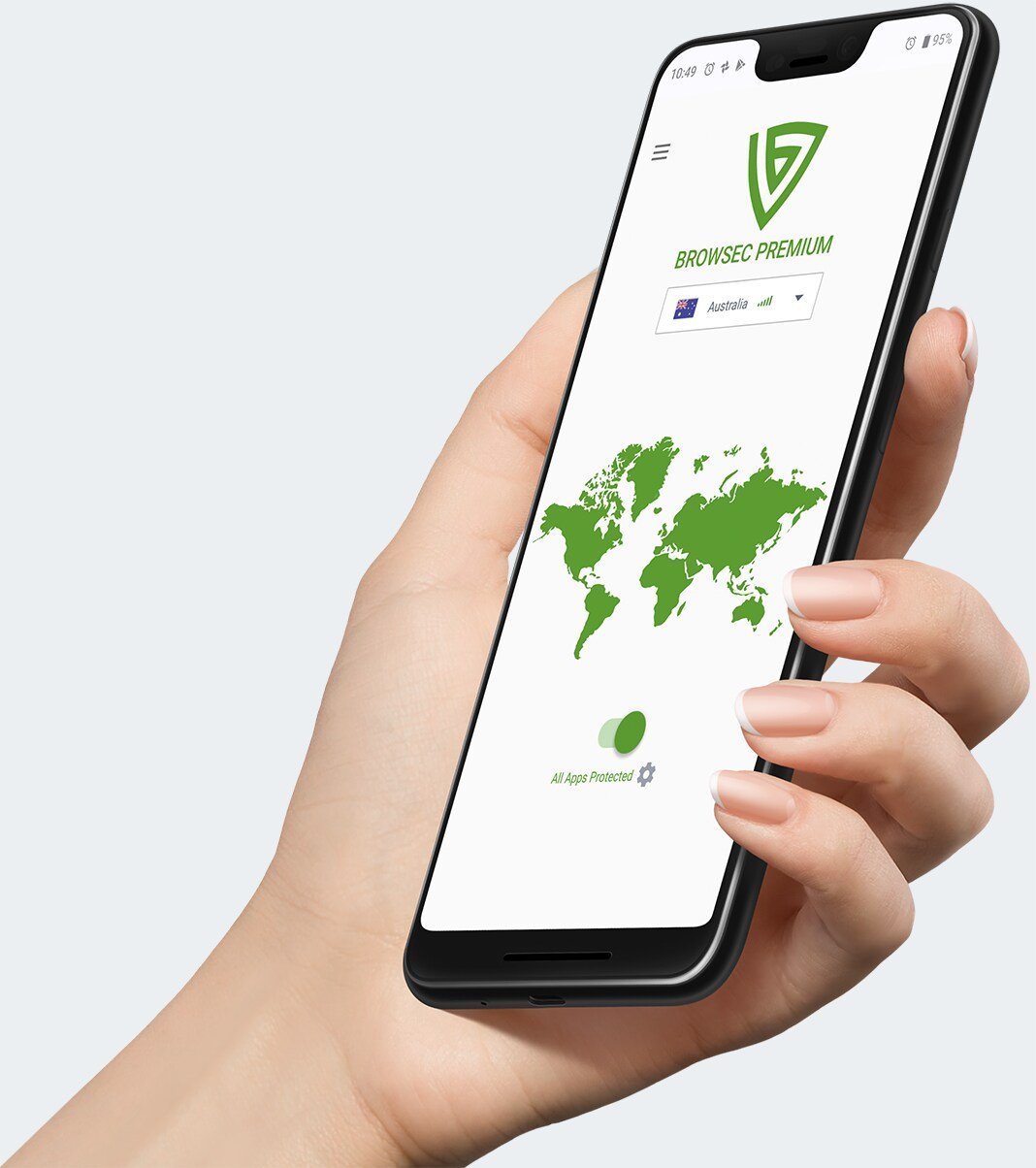
Android·iOS용 VPN 앱.
한 번의 탭으로 연결되는 네이티브 모바일 앱입니다. 이동통신망이든 호텔 Wi-Fi든 공항 핫스팟이든, 어떤 네트워크에서도 사생활 걱정 없이 스트리밍하고 쇼핑하고 검색하세요.
- 탭 한 번으로 안전하게 연결
- Android에서 앱별 터널링 지원
- 어떤 네트워크에서도 작동
It takes less than a minute. Pick where you want Browsec to run.
Browser extension
Add Browsec from the Chrome Web Store, Firefox Add-ons, Opera Addons or Microsoft Edge Add-ons. Then click the Browsec icon in the browser toolbar and choose "Start VPN".
App for Windows, macOS and Linux
The Browsec desktop app encrypts everything your computer sends, not just the browser. It needs a Premium subscription.
Phone and tablet
Download the app from Google Play or App Store, then tap the switch at the bottom of the main screen. Your connection is protected right away. On Android you can also install the app from an APK file.
Android TV
Find Browsec in Google Play on the TV and install it. If Google Play cannot install it or the VPN fails to connect, download the APK from a direct link and install it by hand.
If none of that works
Read our Help Center or write to support@browsec.com. Every version of Browsec is also listed on our download page.
You can use Browsec Free right away, no registration, login, or ID required. Just install and connect.
An account is only needed if you want to upgrade to Premium for faster servers and more locations.
Yes, Browsec uses IPSec IKEv2 and XRay protocols with AES-256 (military-grade) encryption on mobile and HTTP Proxy over TLS with AES-256 encryption when using browser extension.
Browsec also protects you from MITM (Man-in-the-middle) attacks and WebRTC leaks.
Yes, you can use Browsec free plan as long as you want without any restrictions.
If you need extra server locations, higher connection speed or you just want to support Browsec development, you can get Browsec Premium subscription.
We support credit and debit cards, PayPal, and several local payment providers depending on your region. All payments are processed through secure gateways. Subscriptions renew automatically, but you can cancel anytime in your account settings.
Yes. You can cancel your subscription renewal from your account dashboard.
Once canceled, Premium features remain available until the end of your billing period, and your account will switch back to the Free plan after that.
Yes. Browsec offers a 7-day money-back guarantee. If you are not satisfied within the first week of using Premium, contact our support team and request a refund. It is also better to describe the reason for the refund - this helps us improve our service.
Also, we may suggest a solution to make our service eventually work as you expected.
The Free plan provides access to a limited number of locations (such as the US, Netherlands, Singapore) and moderate speeds. The free version has no time limits, you can use it as long as you like.
Premium plan unlocks access to desktop apps, 40+ locations, faster servers, better stability, priority support, and an unlimited number of Smart Settings and App Protection settings (for Android). If you want full protection on your computer and other devices, smooth streaming and more flexibility, Premium is the best choice.